Player
MP3 Player
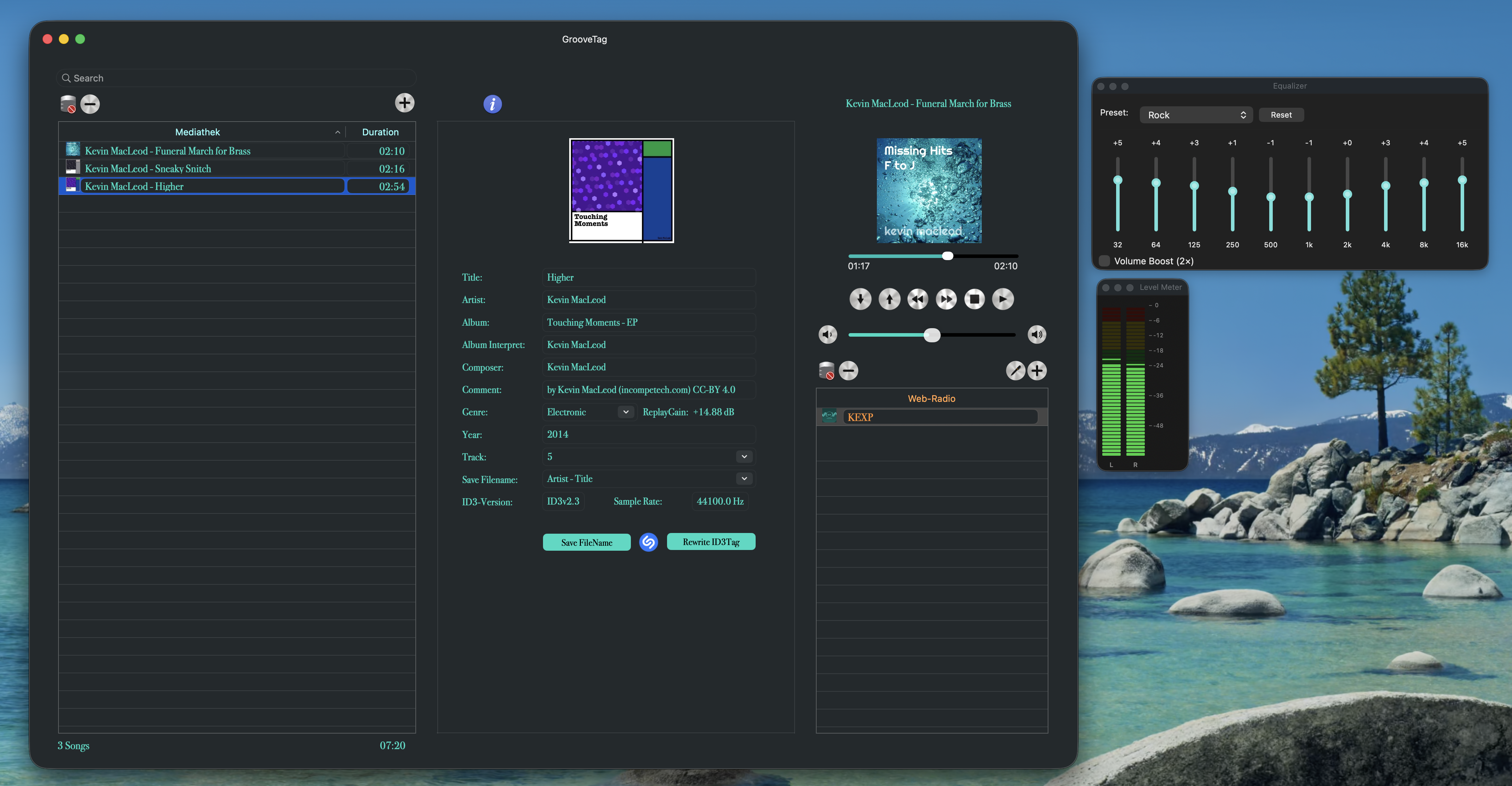
Full-featured MP3 player with playlist and integrated web radio. Browse and play your local library, or stream stations from around the world – all in one interface.
Tag it. Play it. Love it.
GrooveTag combines a professional MP3 player, 10-band equalizer, precise ID3 tag editor, artist info & discography and web radio in a single, elegant macOS app – with automatic tag recognition via Shazam and Apple Music. No Apple Music subscription required!
macOS only · No registration required
All the tools for a perfect music library – in one app, without compromise.
Full-featured MP3 player with playlist and integrated web radio. Browse and play your local library, or stream stations from around the world – all in one interface.
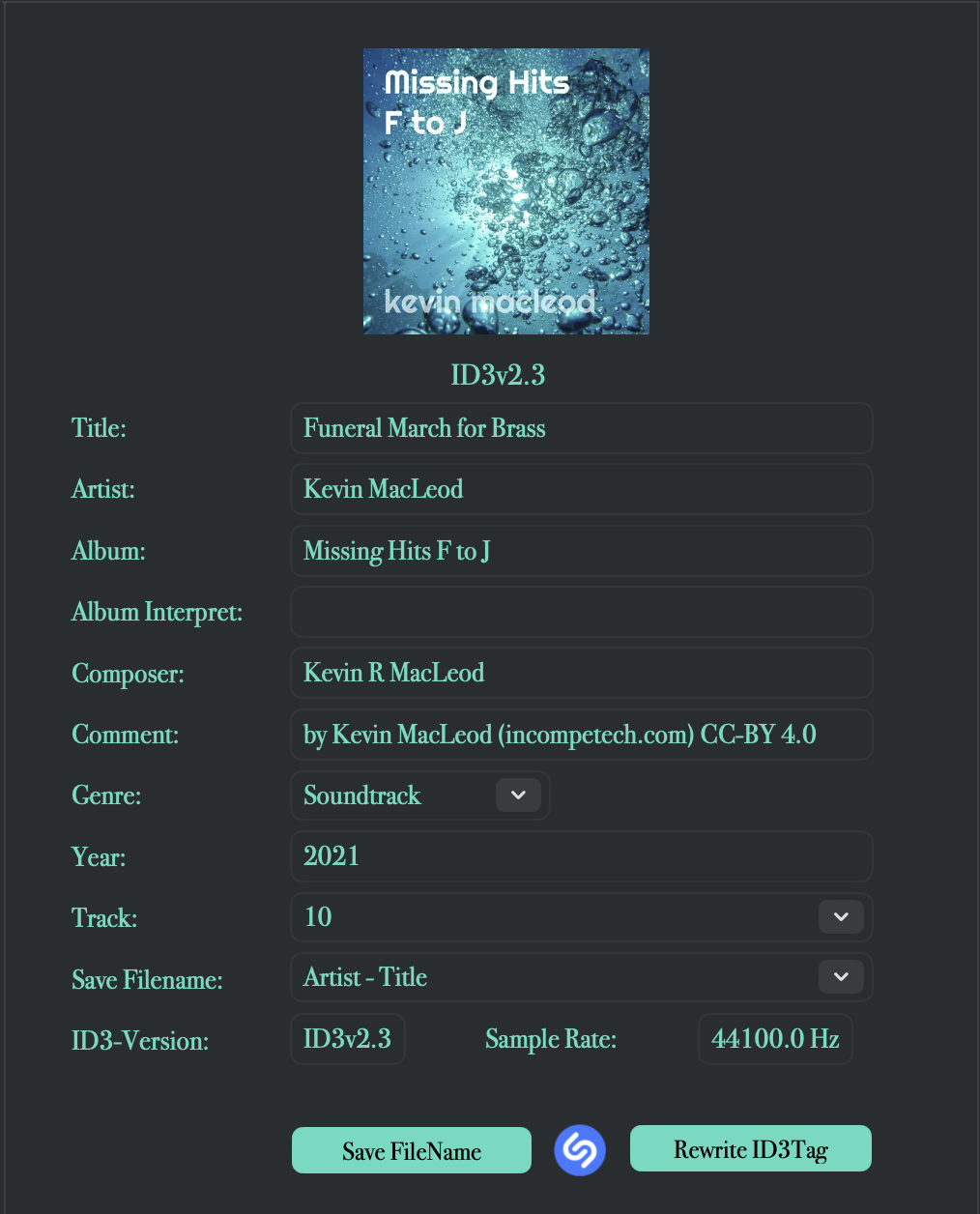
Read and write ID3 tags to the ID3 V2.3 standard – including Title, Artist, Album, Album Artist, Composer, Genre, Release Year and Track Number. The metadata you actually need.
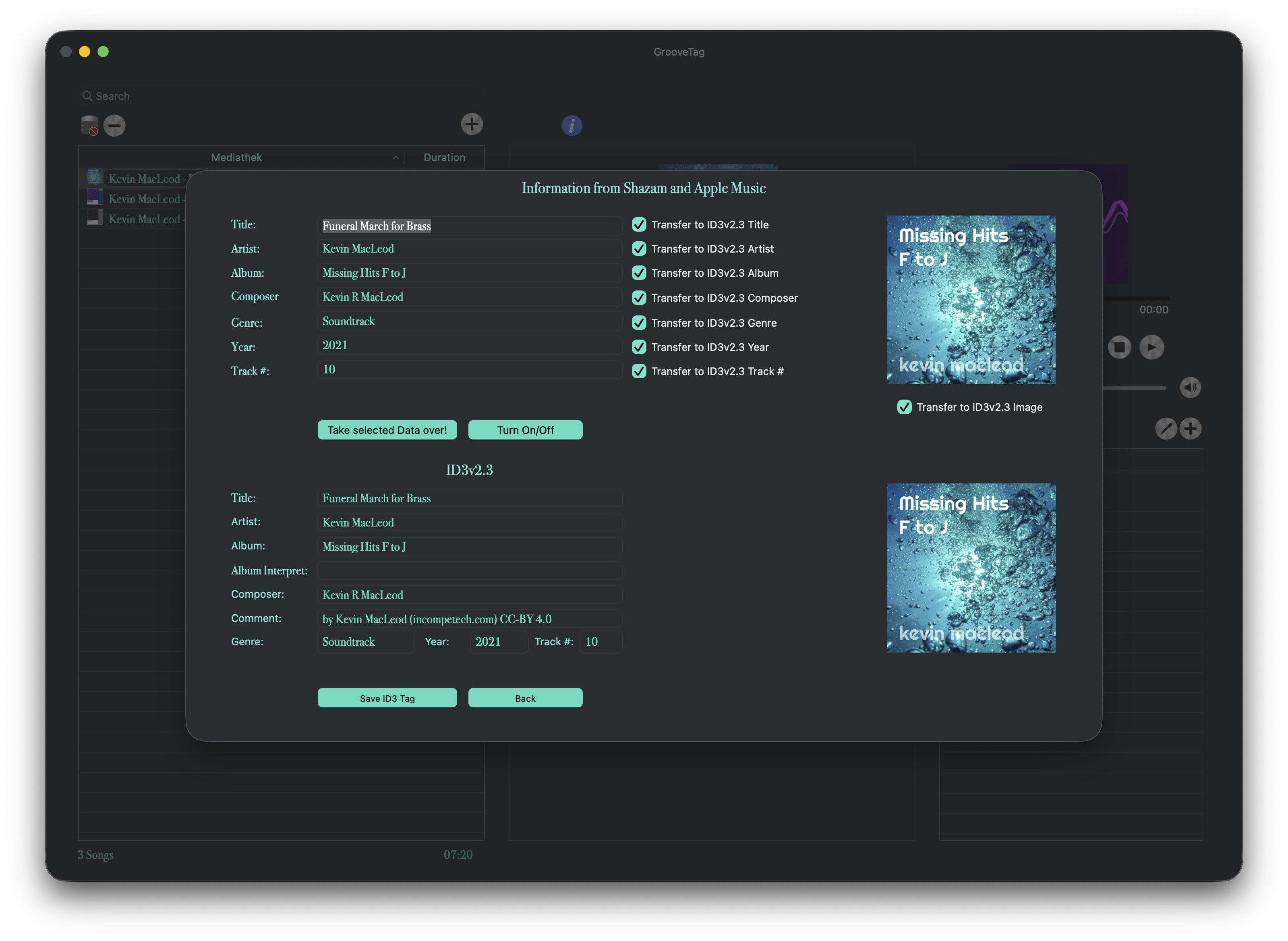
Identify songs via Shazam and retrieve complete metadata directly from Apple Music – Title, Artist, Album, Genre, Release Year and more are filled in automatically. No more tedious manual entry. No Apple Music subscription needed.
Browse artist biographies and complete discographies right inside GrooveTag, sourced from Wikipedia. Tap any album to jump straight to its official video on YouTube – no need to leave the app.
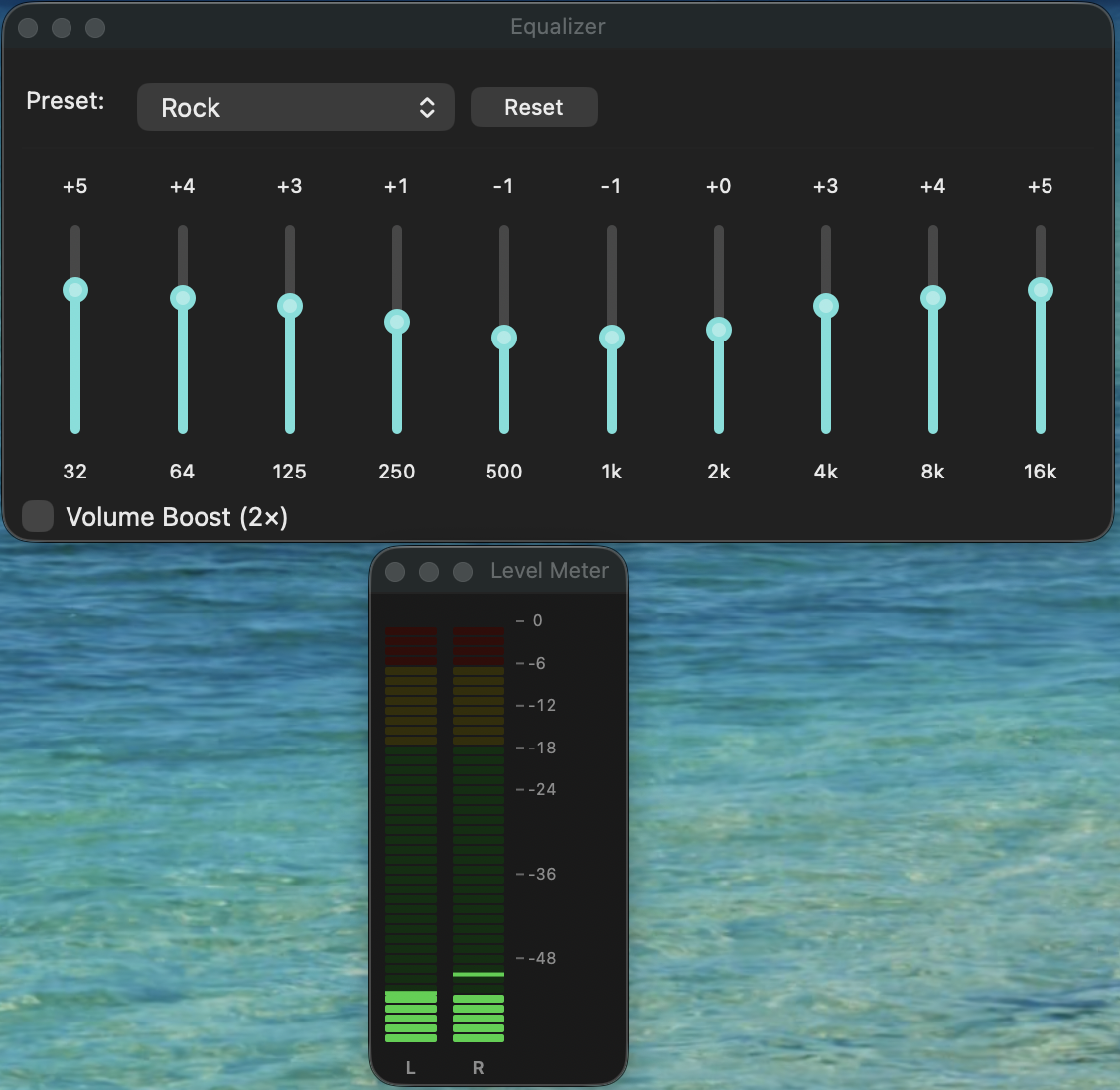
Shape your sound with precise 10-band control: 10 presets for every music style, ±12 dB range per band, and Volume Boost for extra punch – built right into the player, no external tools needed.
Keep your levels in check: the real-time Level Meter shows L+R channels as an LED display. ReplayGain automatically normalizes the volume across your entire MP3 collection – no more manual adjustments.
Scale the entire interface in 10% increments via keyboard shortcut or the View menu. Resize the window to full screen height for a better overview of large libraries, with smarter window positioning throughout.
A refined frosted-glass interface built for macOS – translucent panels and smooth blur effects for a modern look that feels right at home on your Mac.
No data storage, no tracking, no subscription. An internet connection is used exclusively for retrieving tags via Shazam and Apple Music and for playing web radio streams – and for absolutely nothing else.
A look at the interface – clean, dark and fully optimized for efficiency.
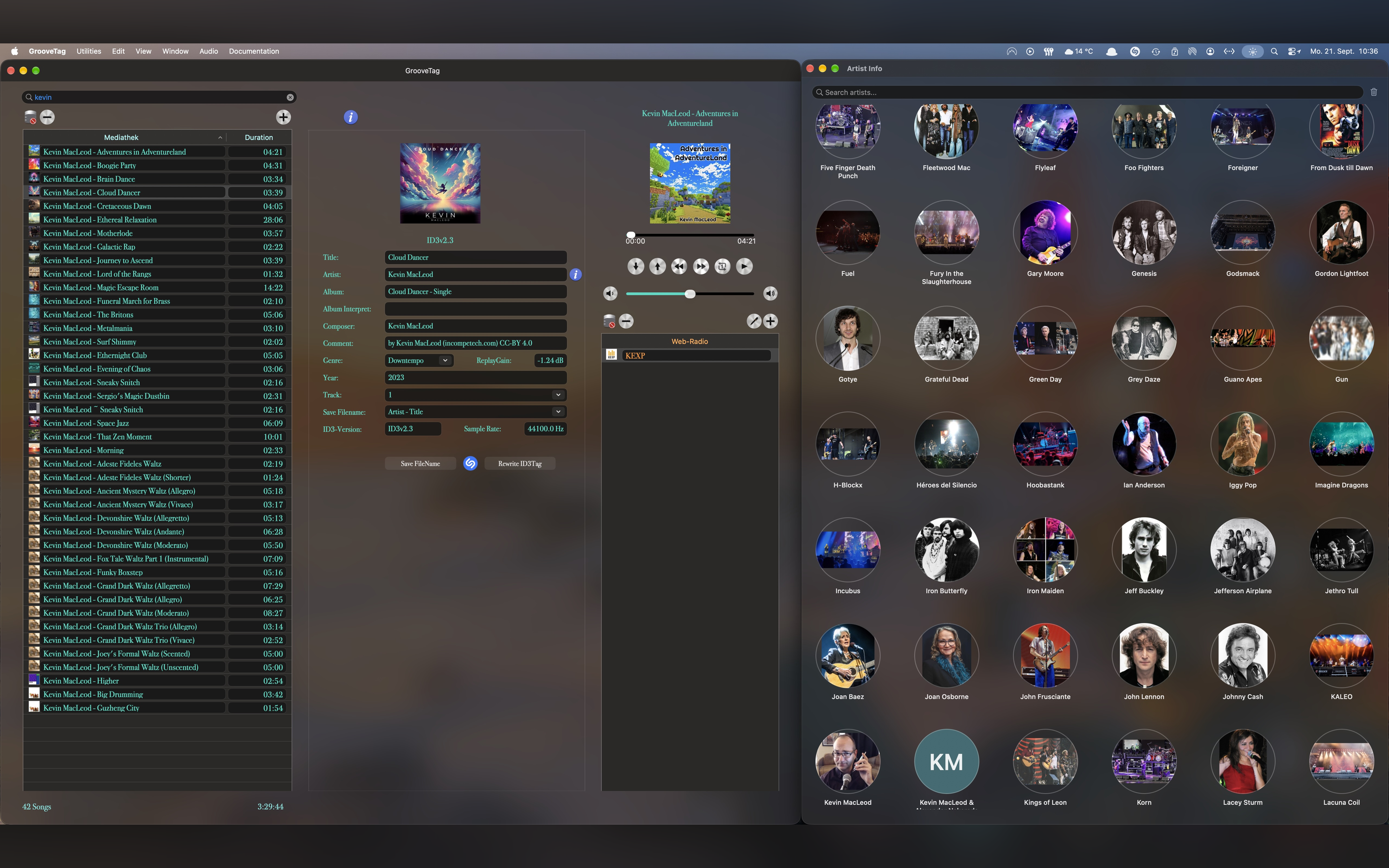
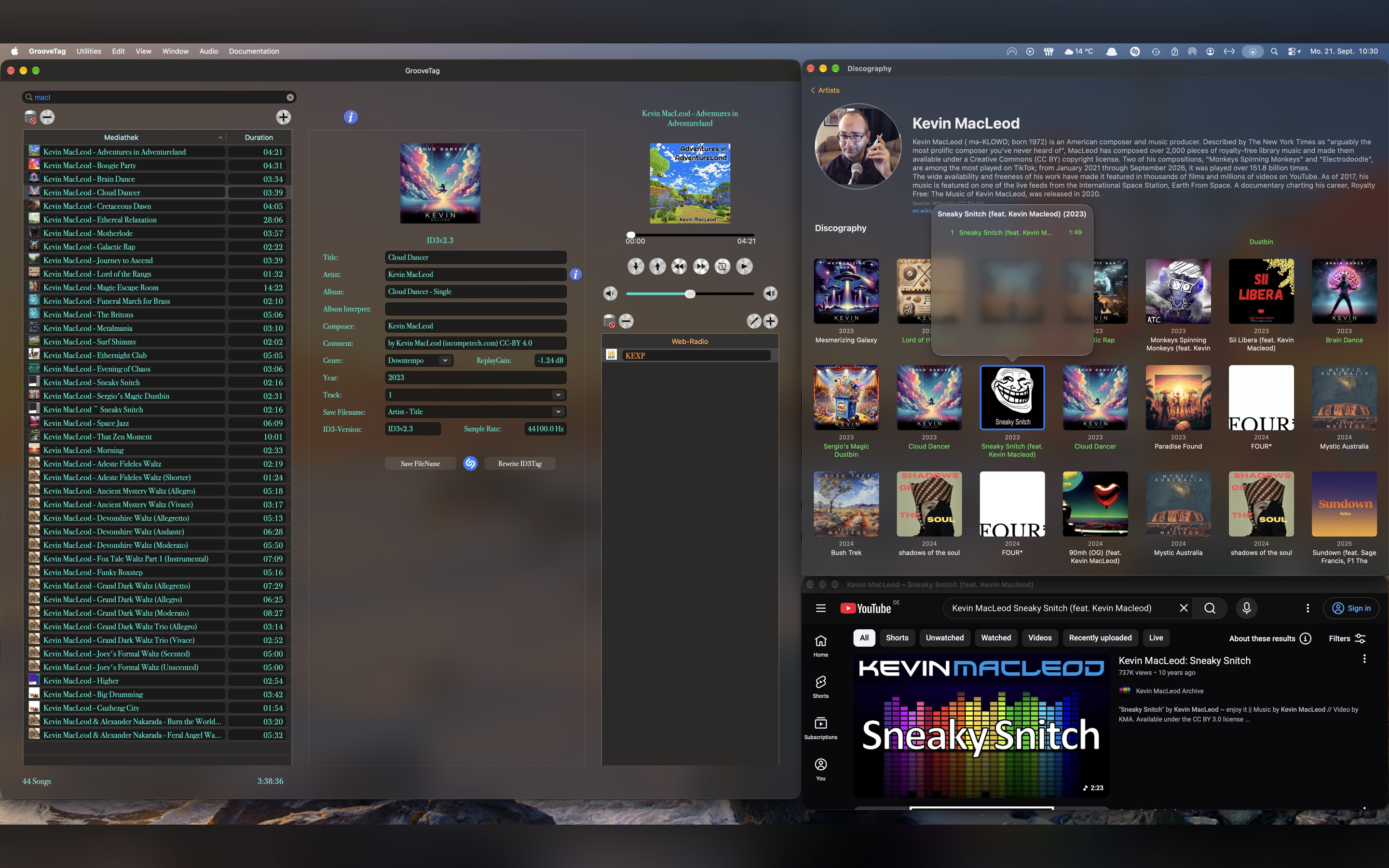
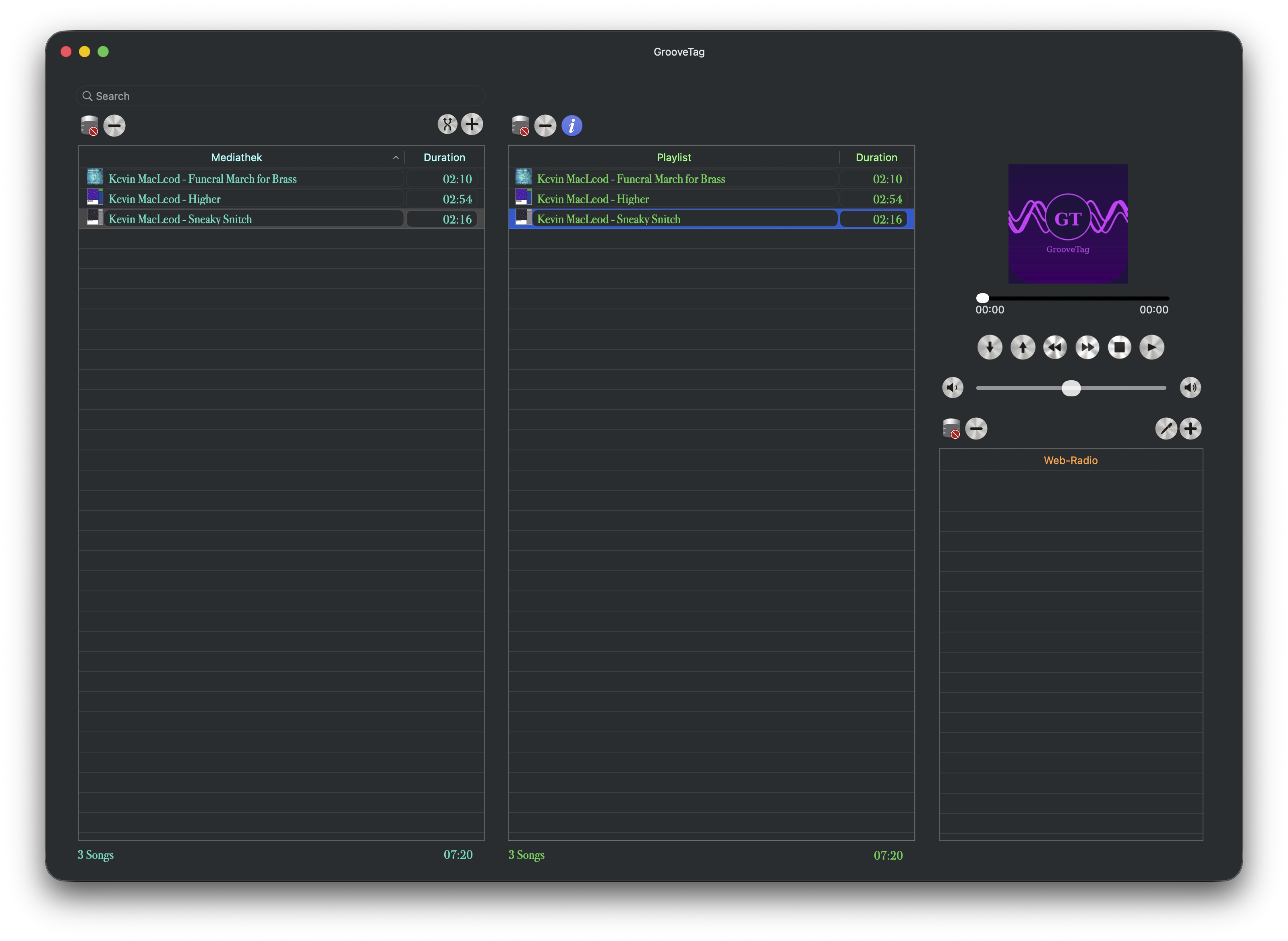
The same App Store preview videos, right here – see the key features in action.
Watch the full overview on YouTubeEverything you need to know about GrooveTag.
No. GrooveTag uses Apple Music internally via JWT tokens to retrieve song metadata. An active Apple Music subscription is not required.
GrooveTag requires macOS 13.5 (Ventura) or later. The minimum screen resolution is 1920 × 1080 pixels.
No. GrooveTag stores no personal data, creates no user profiles, and does no tracking. An internet connection is only used for automatic tag retrieval via Shazam and Apple Music, and for web radio streaming.
Yes. You can manage and play your entire local MP3 library and all playlists completely offline. Only Shazam recognition, Apple Music metadata retrieval, and web radio streaming require an internet connection.
GrooveTag identifies songs using Shazam technology, then retrieves complete ID3 metadata directly from Apple Music – title, artist, album, genre, release year and more, all at the touch of a button.
Yes. GrooveTag displays artist biographies and complete discographies sourced from Wikipedia, and lets you play official music videos via YouTube – all without leaving the app.
GrooveTag is your command center for perfect metadata. No subscription, no cloud, no compromises.

Requires macOS · Internet connection only required for Shazam & Apple Music ID3 data, Artist Info & Discography and web radio